
Menu
  • About Us
  • Purchase
    • JD Shop
    • Taobao Shop
    • Tripods & Accessories
    • Official Store
  • Blog
  • Support
  • Contact
  • zh_CNZH
  • Reg/Login

Camera

4
  • How to update/upgrade the camera system
  • How to upload videos from your camera
  • How to record video with camera
  • How to connect the camera using APP

Online Platform and Account

2
  • How to register your camera
  • How to watch and download the video
View Categories
  • Home
  • Support
  • Online Platform and Account
  • How to register your camera

How to register your camera

ryanho
Updated on 2025-10-29

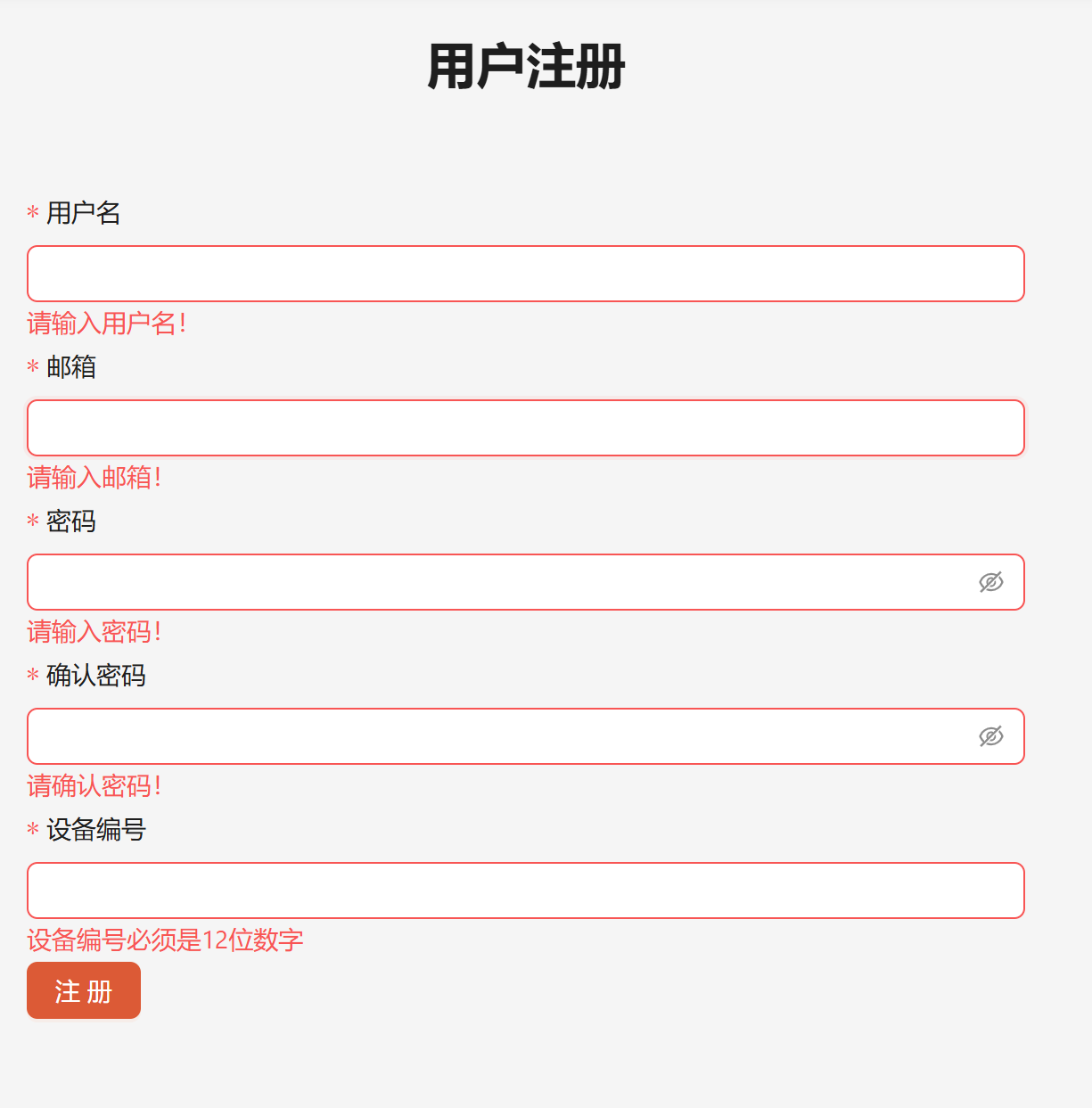
Visithttps://hub.ballrec.com/registerto register an account and fill in the registration information as required.

The "Device Serial ID" can be found in the "Instruction Manual" in the camera packaging. The binding is completed after successful registration.

If you cannot find the Device Serial ID or lose the instruction manual, please contact customer service to obtain.
One camera's Device Serial ID can only be registered to one account.
400-0505-390
support@ballrec.com

Whatsapp Telegram Xiaohongshu logo - Brandlogos.net
  • About Us
  • Blog
  • Support
  • Ballrec Taobao shop
  • Delivery and payment
  • Contact
  • Privacy Policy
Copyright © 2024 Ballrec. All Rights Reserved. Ballr Artificial Intelligence Co., Limited ICP:2024229882
  • Privacy Policy
  • Contact
  • Terms and Conditions
  • Shop
  • My Account
  • Search
Sign in Create an Account

Lost your password?
  • About Us
  • Purchase
    • JD Shop
    • Taobao Shop
    • Tripods & Accessories
    • Official Store
  • Blog
  • Support
  • Contact
  • zh_CNZH
  • Reg/Login